


Whiteboarding, lessons, and activities

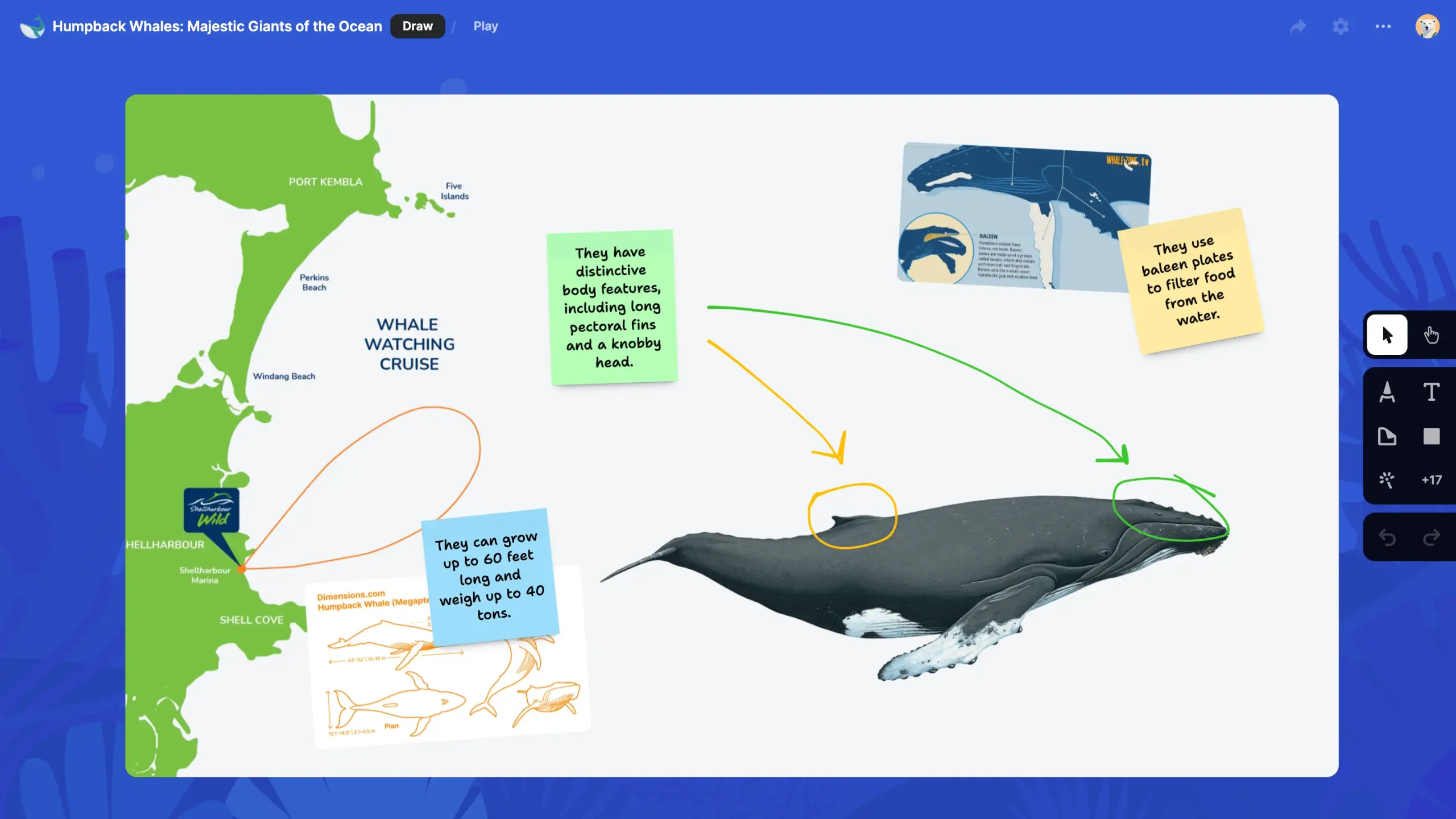
A sandbox is a collaborative digital canvas with tools for drawing, writing, and adding media.
Oh, and it’s beautiful. Because, as the great Fyodor Dostoyevsky said, "without beauty, there would be nothing at all to do in the world!"
How it works
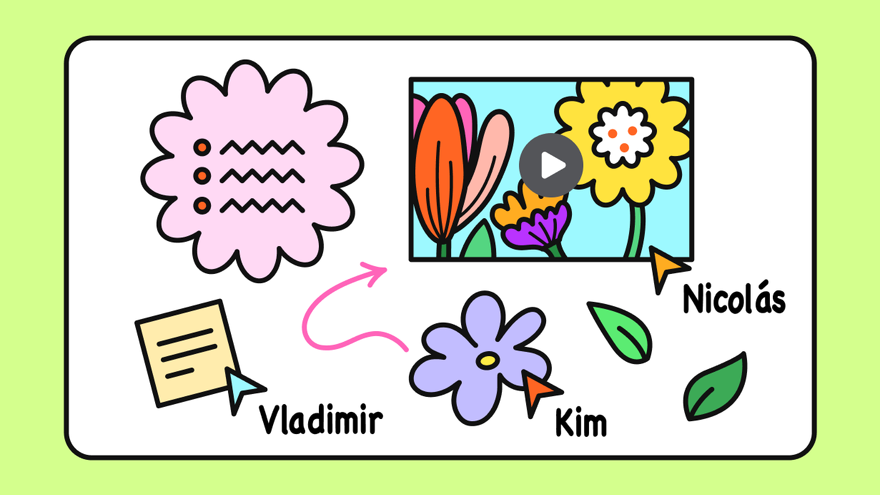
Level 1: Super simple
When you start a sandbox, you see a blank white rectangle. You can draw and type on it. You can add images and videos to it. You can invite others to do the same and see their contributions in real-time.
So, at the minimum, you can use it for doodling and whiteboarding.
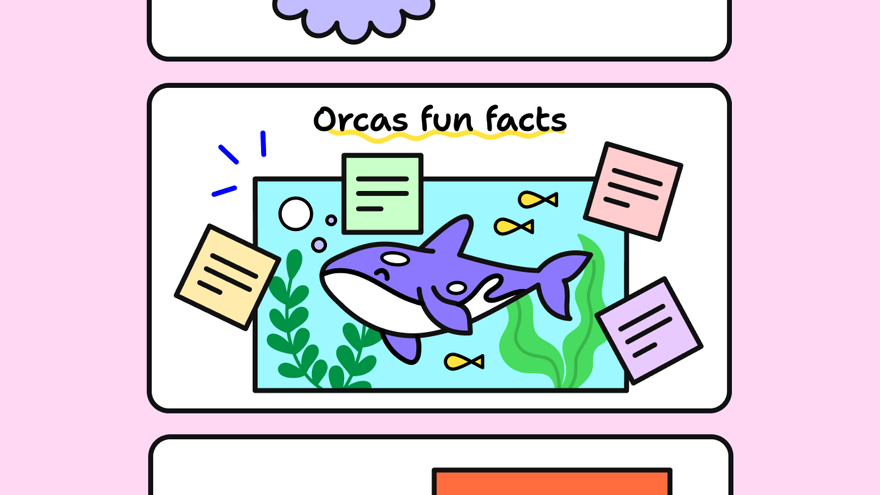
Level 2: Simple
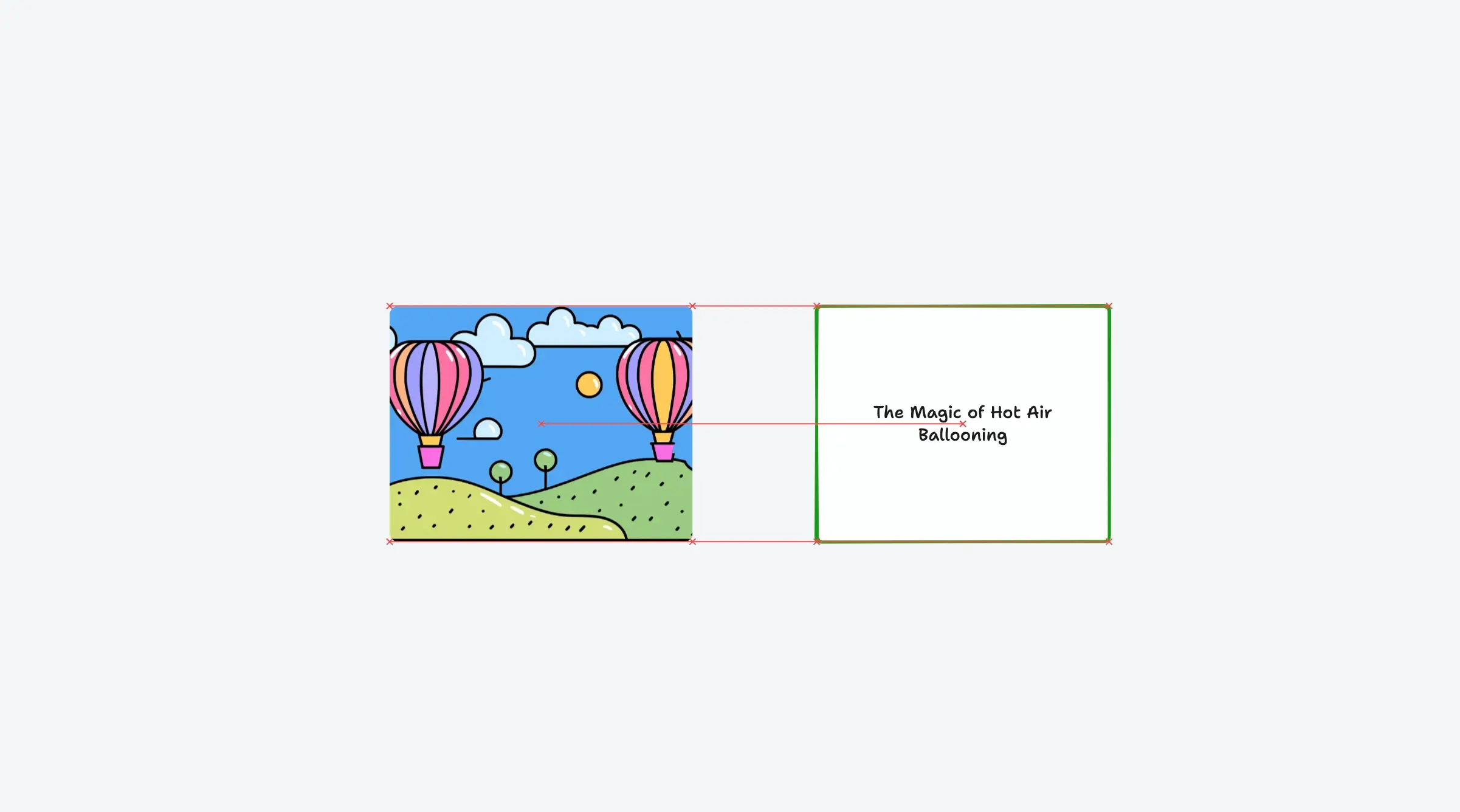
You can add multiple of these rectangles (called cards), add content to each of them, and play the whole stack of cards in order as a slideshow.
So you can use it to create lessons, presentations, and storybooks.
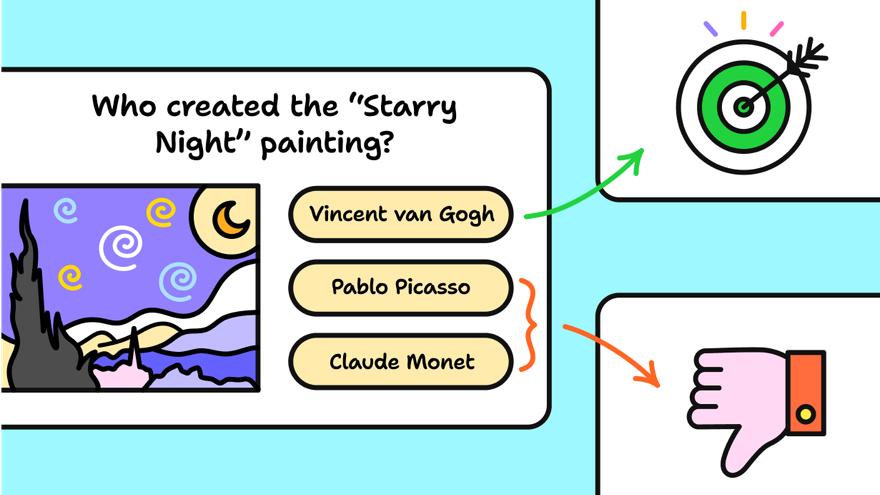
Level 3: Still Simple
You can add actions to your content, like clicking on one image to navigate to a different card. This allows you to add branching and logic to your stack of cards.
So at this elite level, you can design interactive documents, activities, and games.
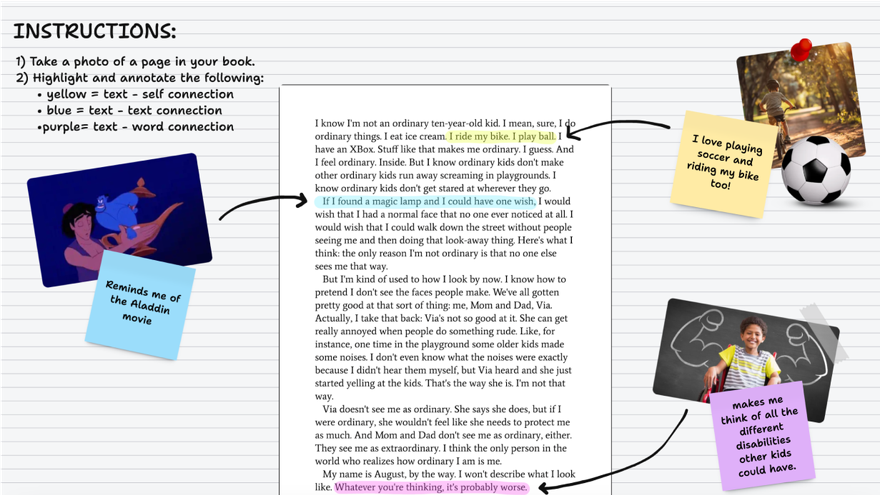
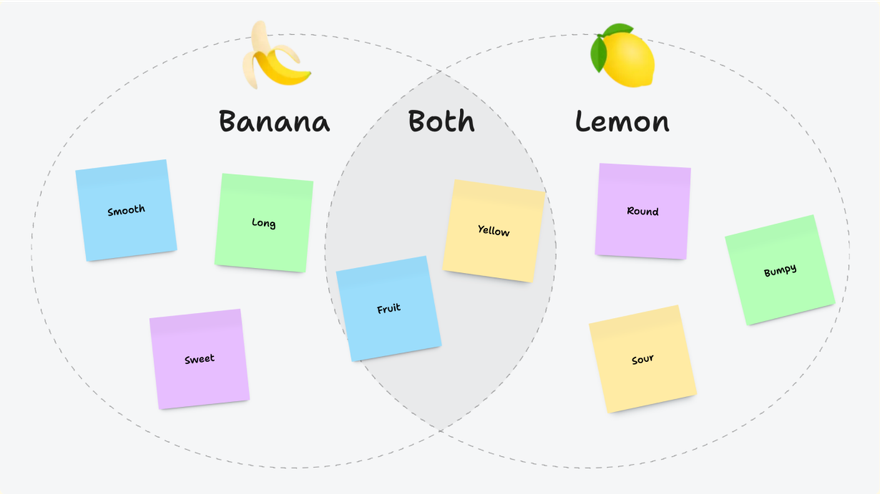
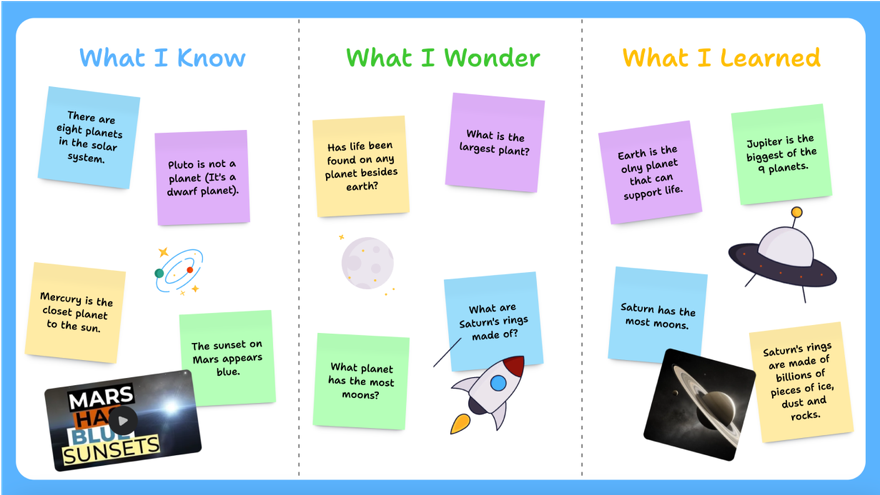
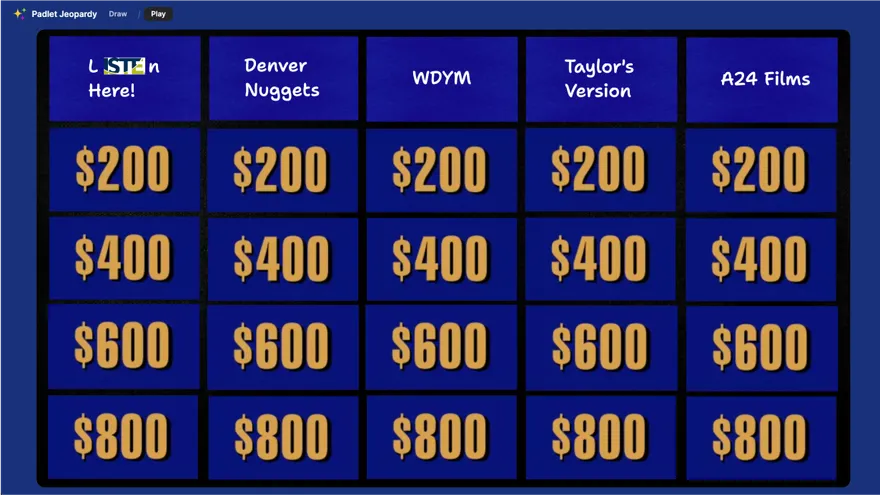
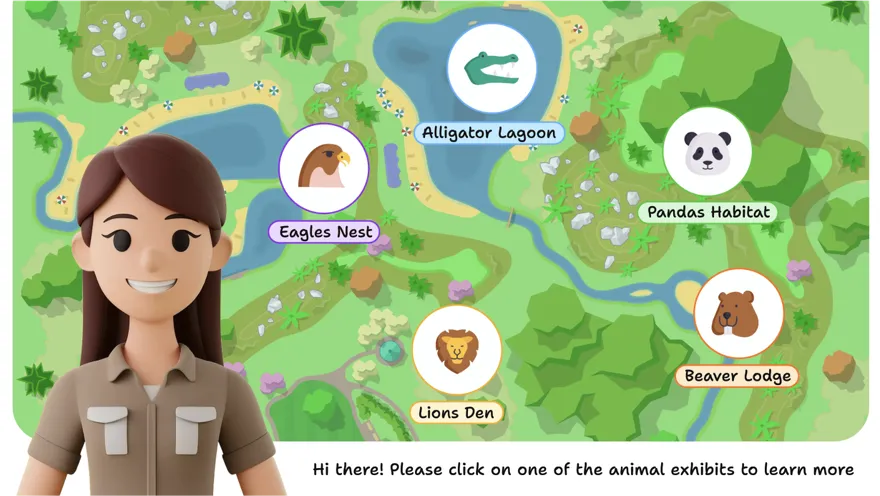
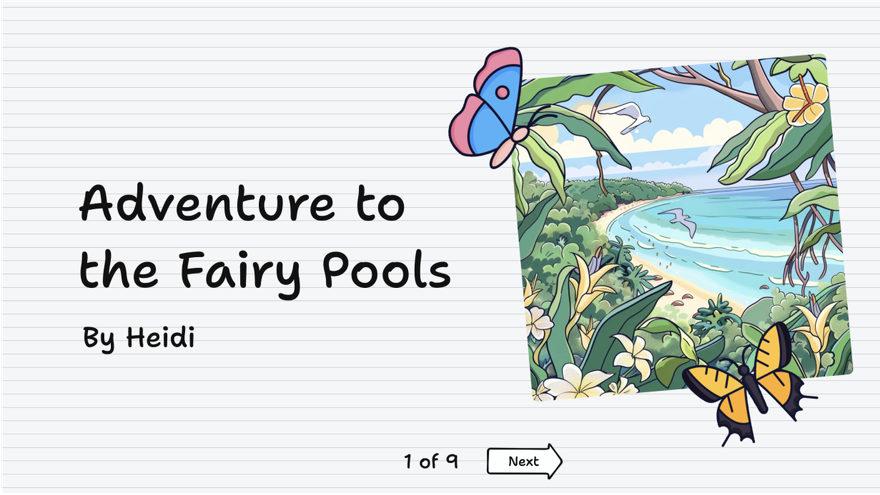
Screenshots
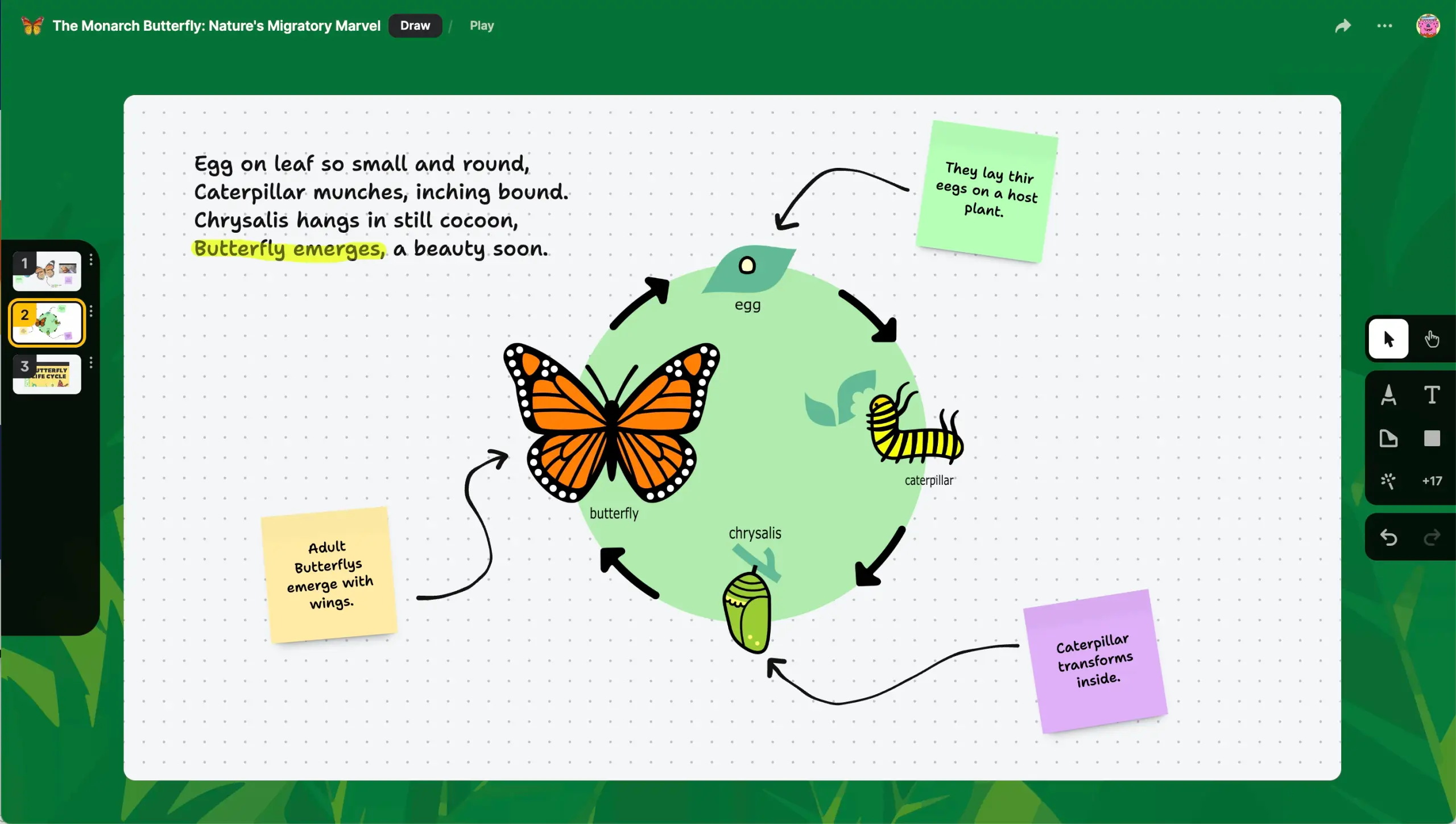
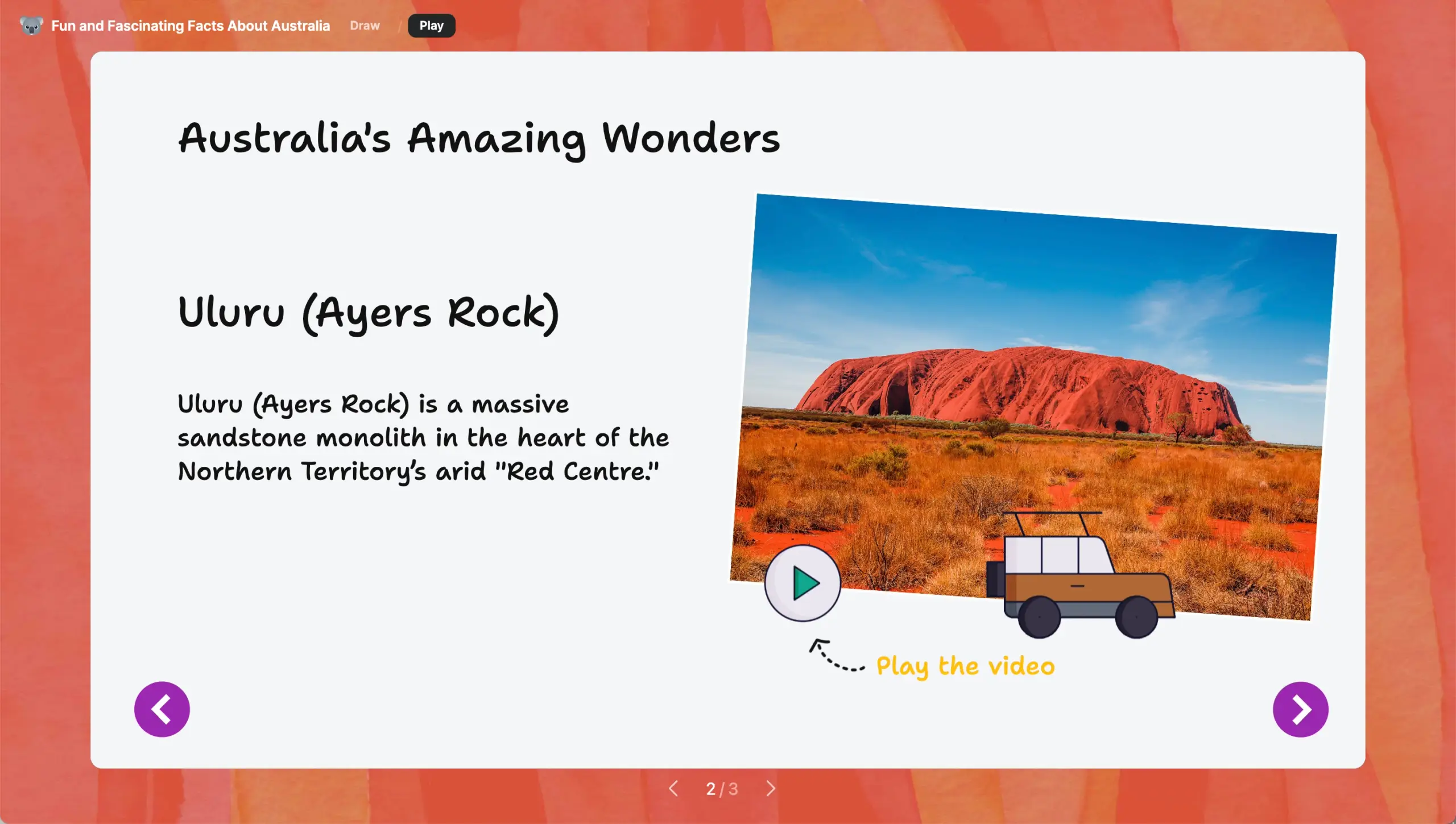
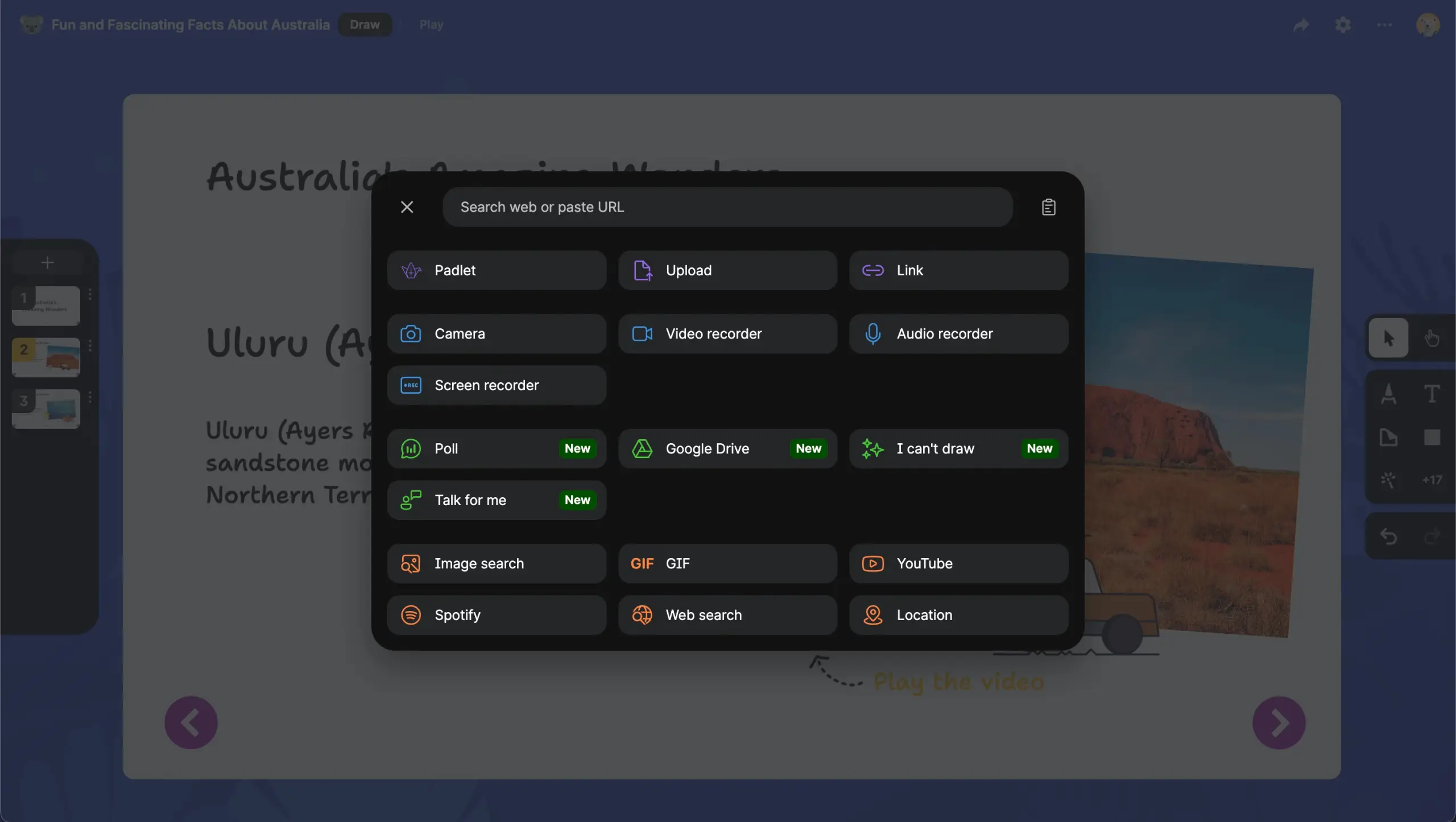
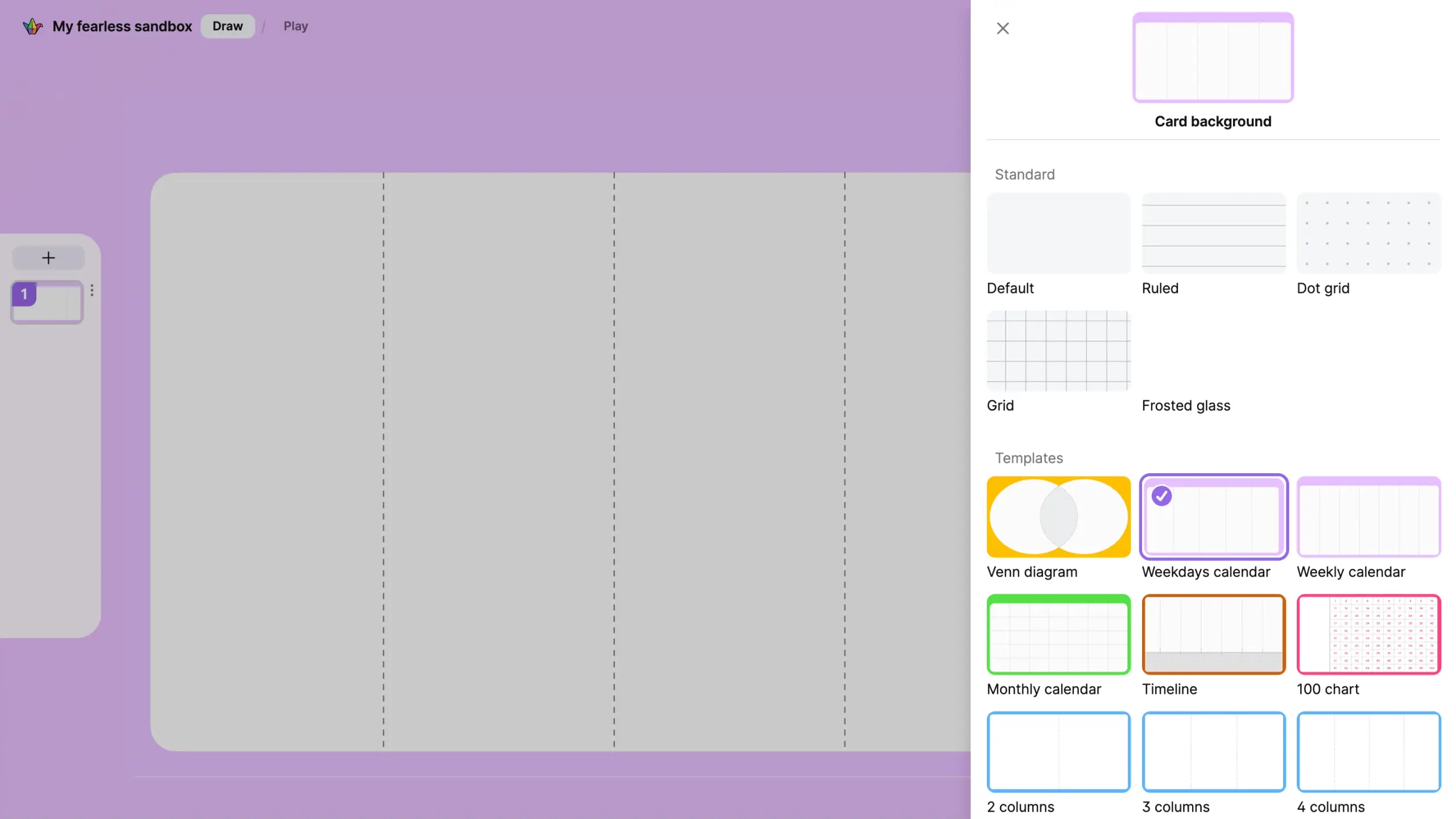
Features
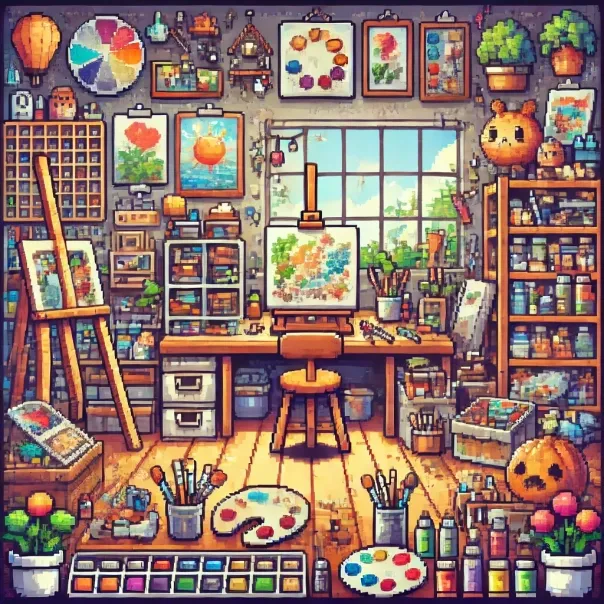
25+ tools. All simple
Add order with cards
Breakout rooms
Keyboard shortcuts
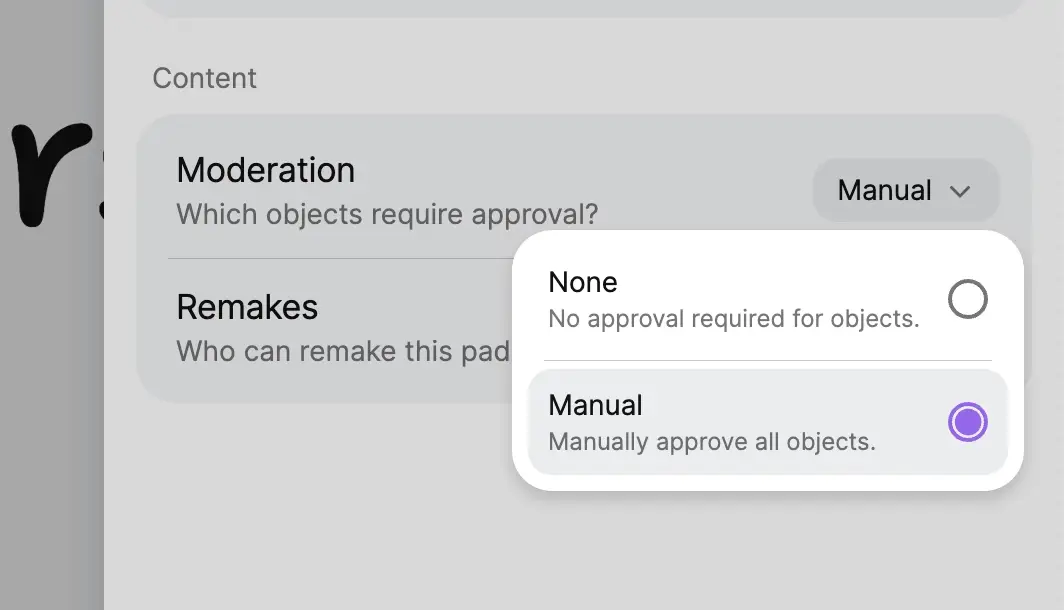
Automatic content moderation
Work on any device
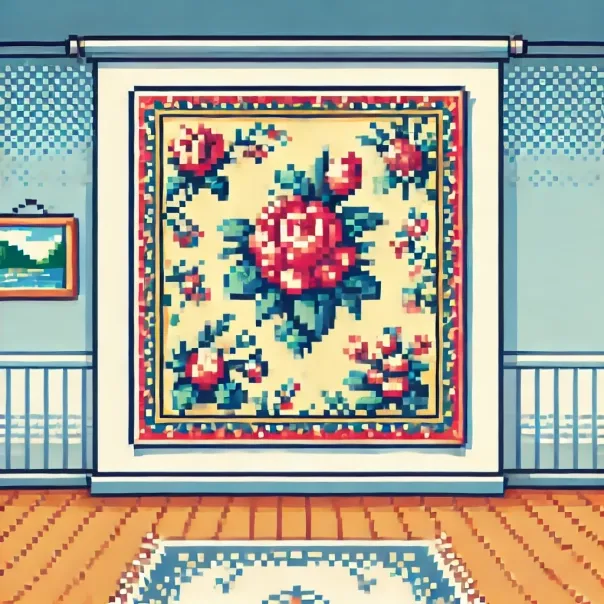
Beautiful wallpapers
Link objects together

Freeze objects
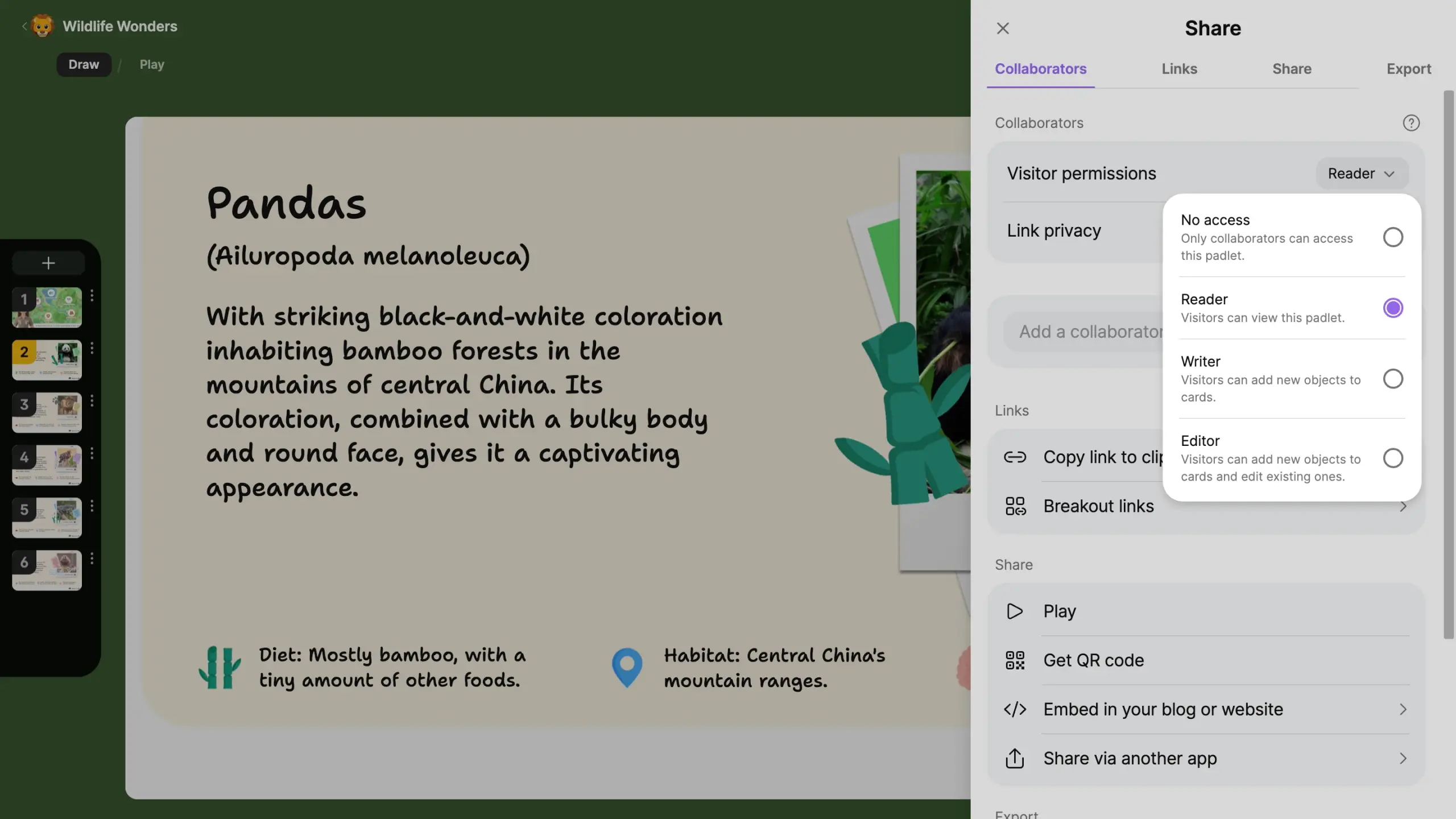
Granular permission system

Realtime collaboration
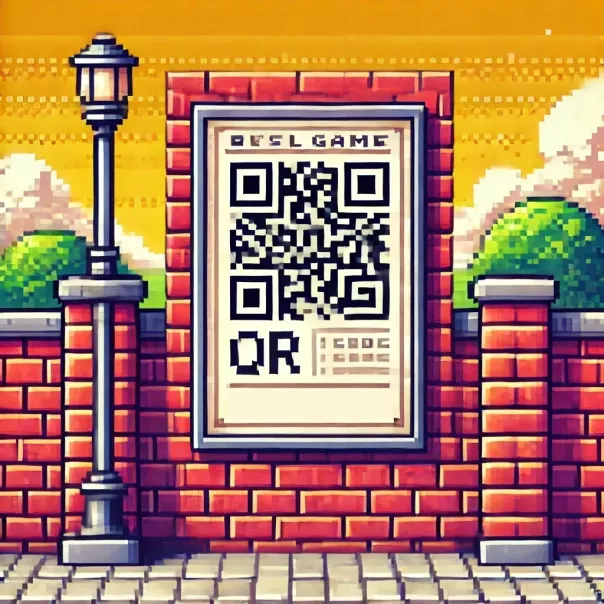
Share with QR code
Google Jamboard replacement
All Jamboard features
Sandbox has all the Jamboard features. You won't miss any tools you are used to using.
Plus Padlet features you love
Use any attachment type, like polls or our AI image generator. Drag and drop PDFs and images. Share breakout rooms.
Works with the Google ecosystem
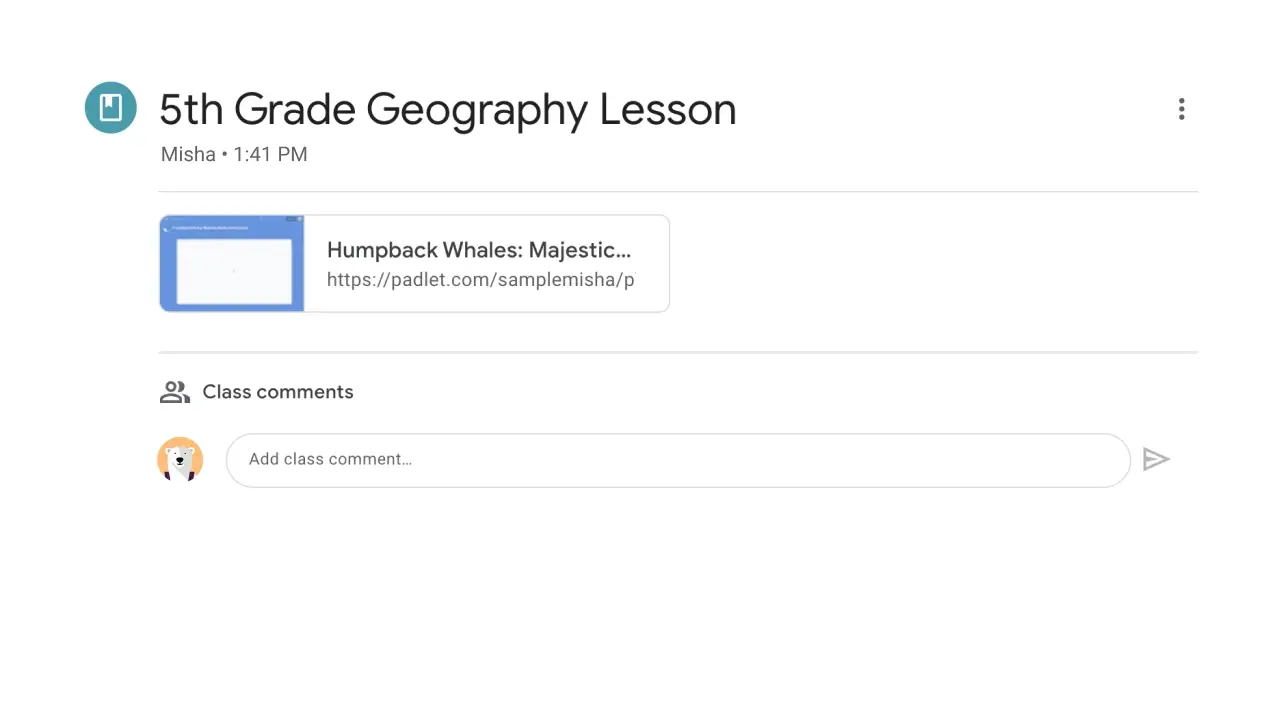
Log in with Google. Share to Google Classroom. Add files from Google Drive.
FAQ’s
No. Sandbox creation is included in your subscription.
Have more questions? Check out our knowledge base.
Get started
It is free to sign up and takes just 10 seconds.