A visual collaboration platform for classes and teams
On a Padlet board, everyone posts text, images, video and links, comments on each other's work, and sees changes as they happen.
1/1
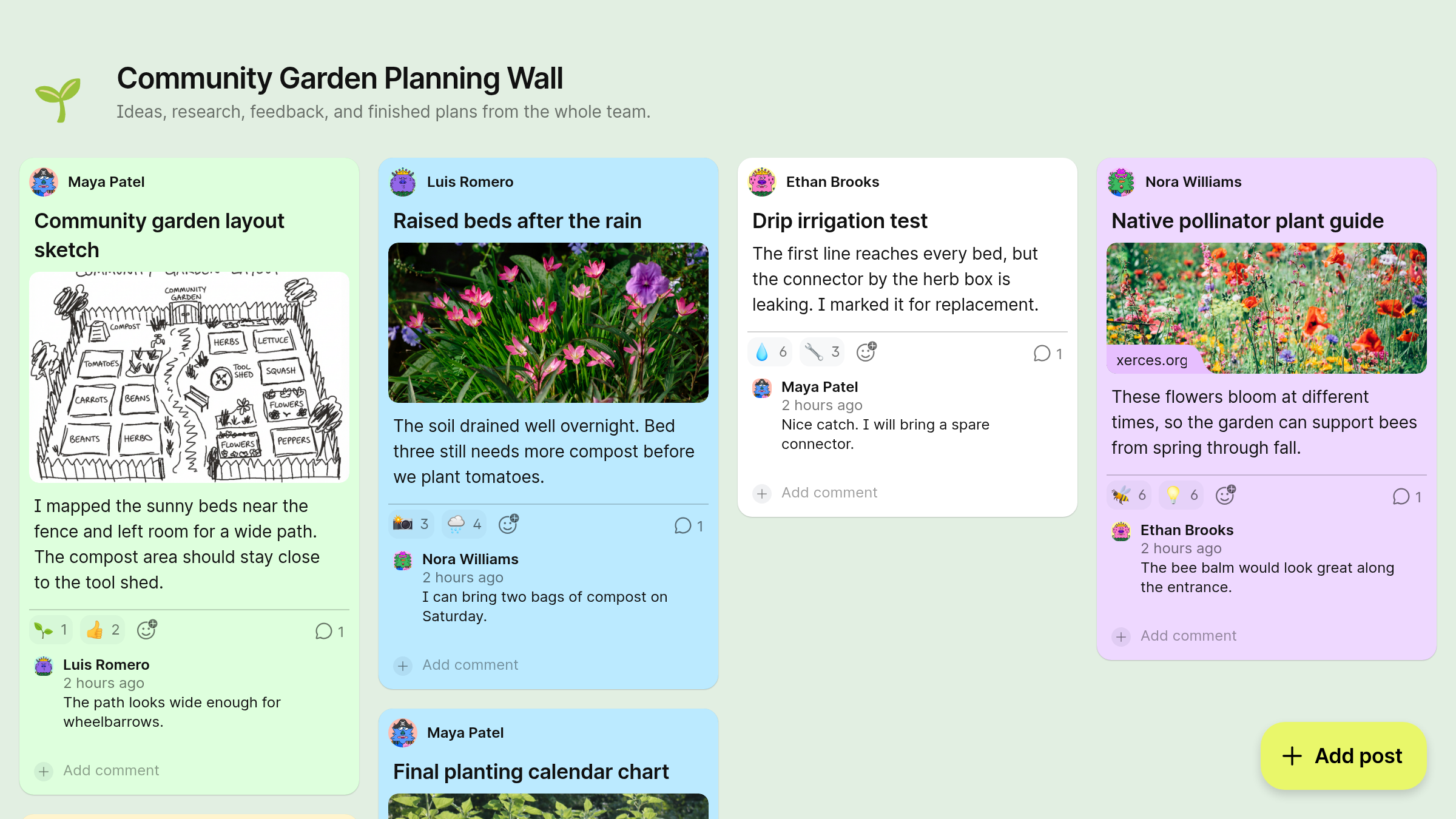
Post together in real time
Invite your team or class, and everyone posts at once with no page to reload.
2/2
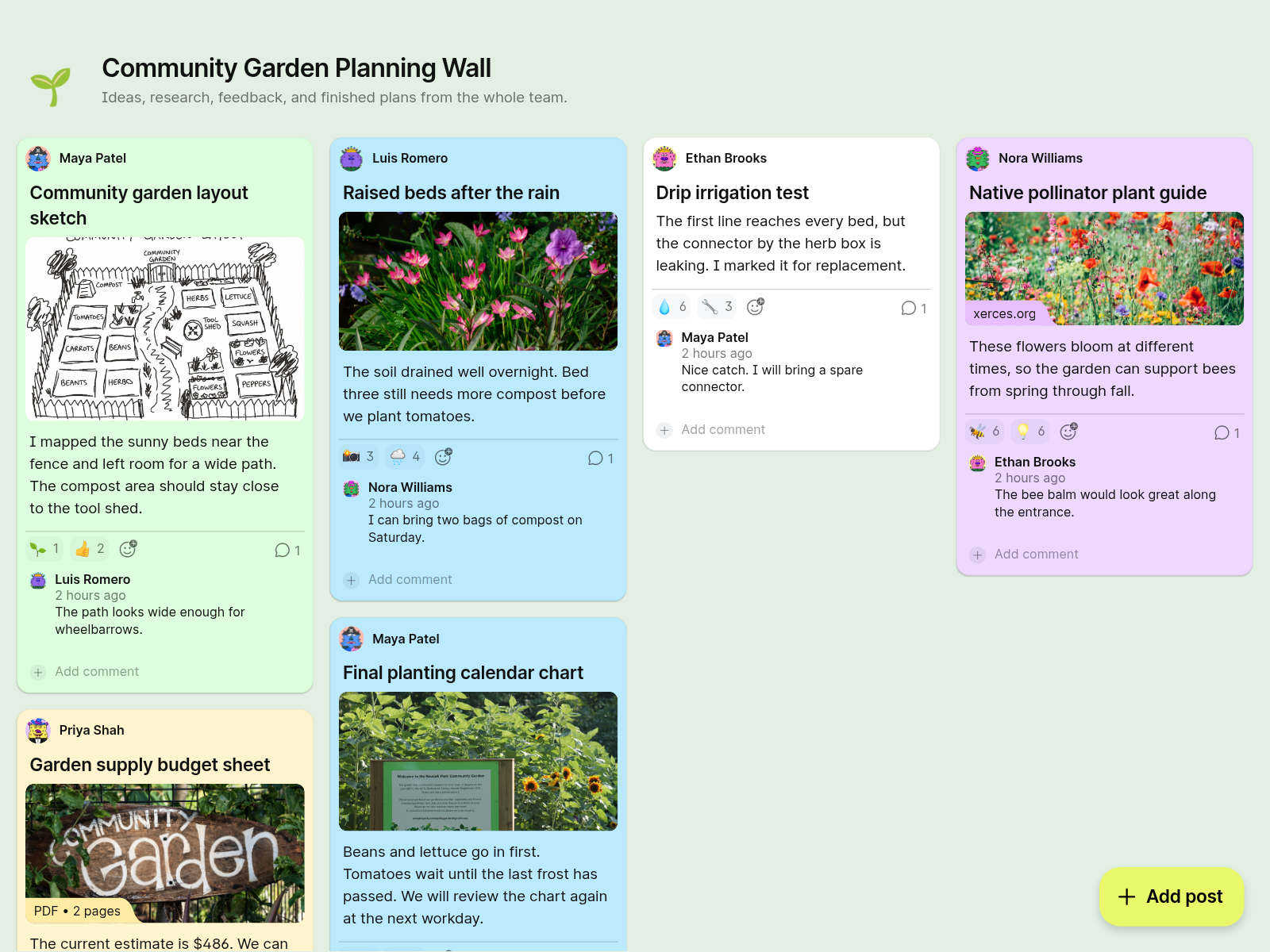
Post any kind of file
Add documents, audio, drawings and links, and each attachment shows as a rich preview rather than a bare URL.
I've used it with my students to communicate with students from around the world, so they can share ideas back and forth and communicate either through video or text or audio
Nancy PenchevStaff Development Teacher 3/3
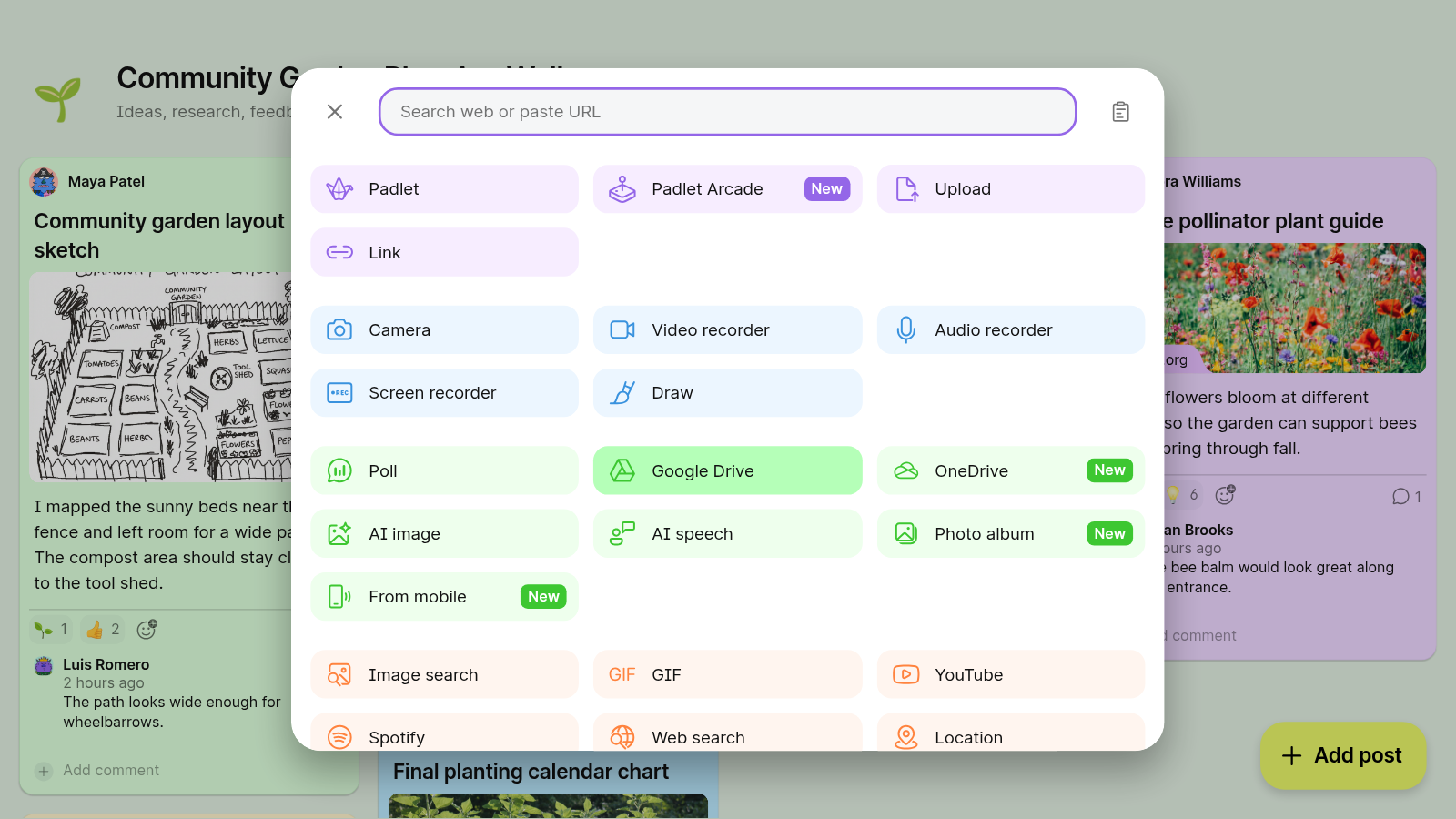
Attach files from Google Drive or OneDrive
Pull shared files straight from your cloud storage instead of downloading and uploading them again.
4/4
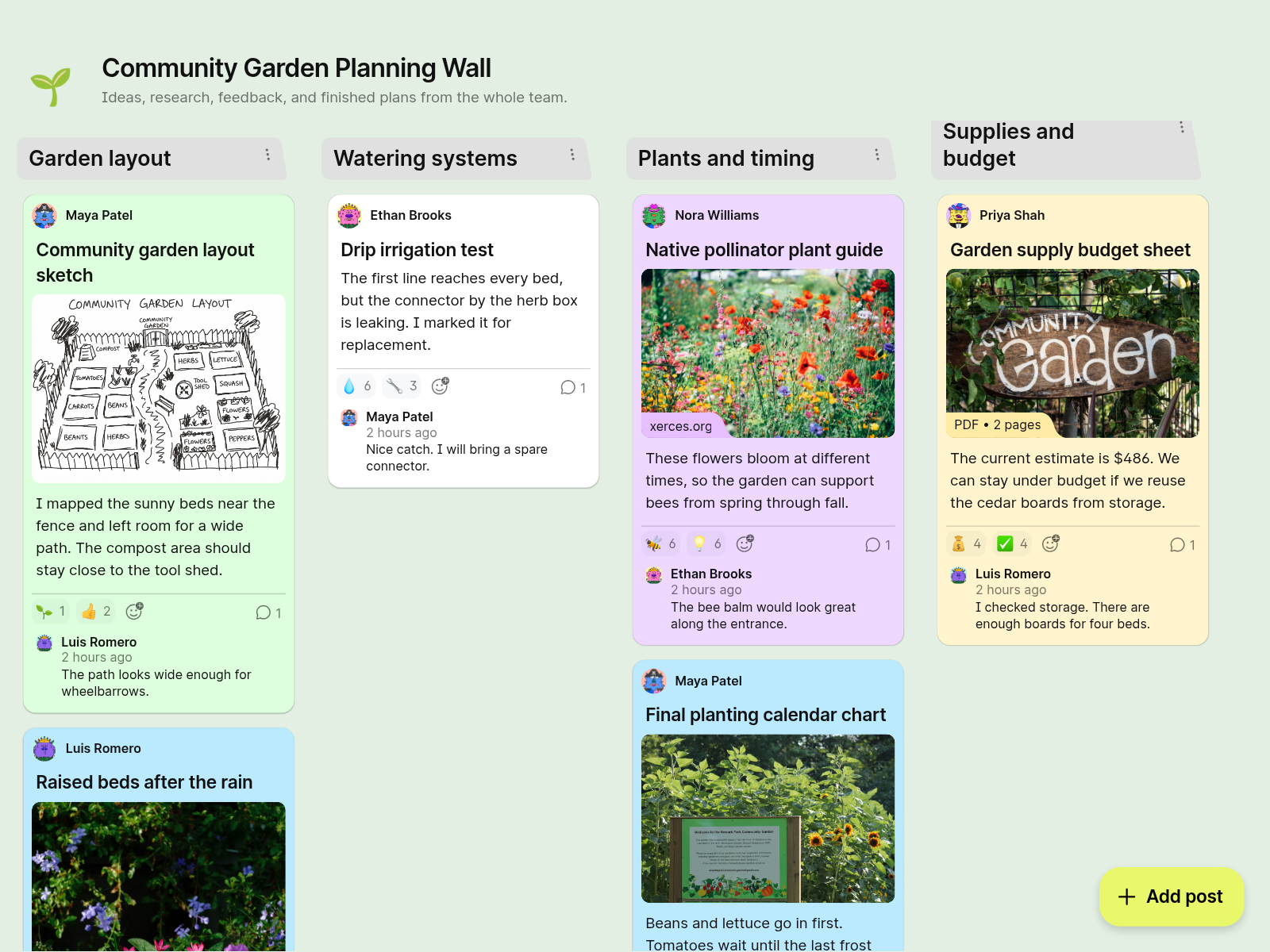
Arrange the work visually
Pick from nine formats, and keep it free form, sort ideas into columns, or put posts on a map.
I love that it keeps learning organized, meaningful and easy for the students to return to anytime.
Peicai Secondary School 5/5
Give feedback where the work is
Comment on a teammate's post, or upvote, downvote, like or rate it.
6/6
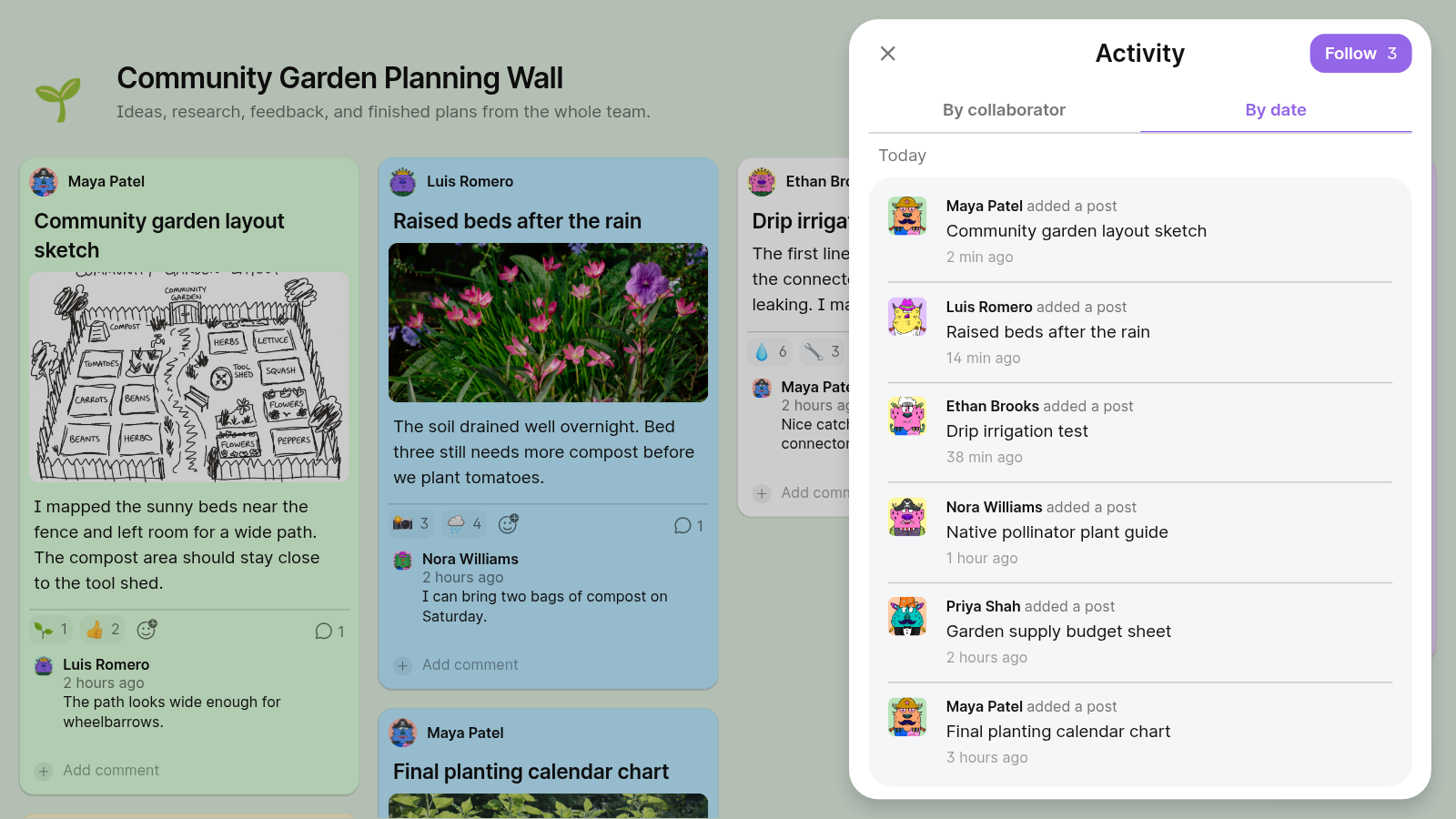
See who posted what, and when
The activity panel logs every post, edit and comment, so nothing gets lost on a busy board.
7/7
Get notified when the board changes
Follow updates by email or push notification, or subscribe to the board's private RSS feed.
8/8
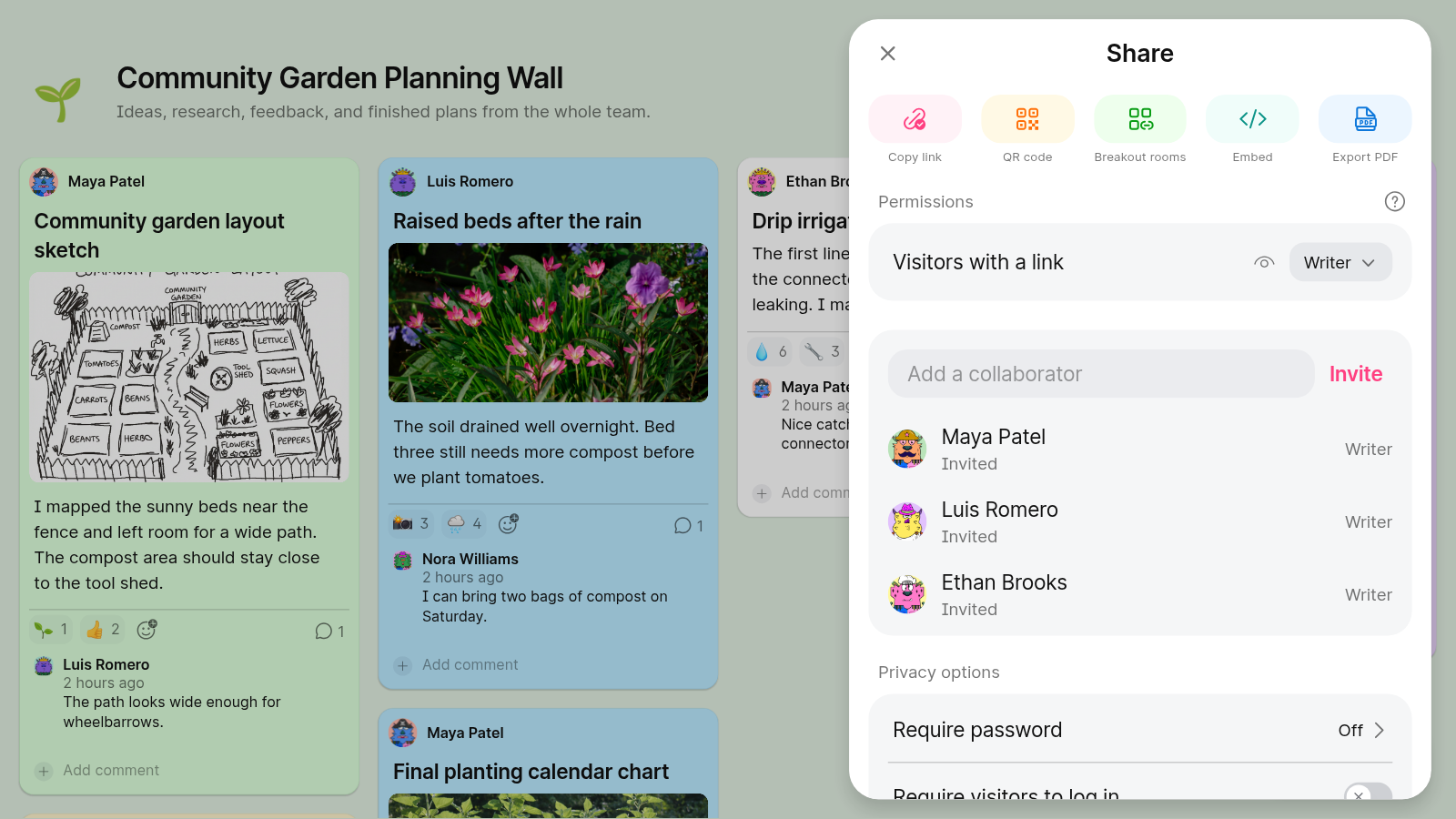
Decide who can see the board
Keep it public or private, add a password, invite only certain people, or restrict it to your team or school.
9/9
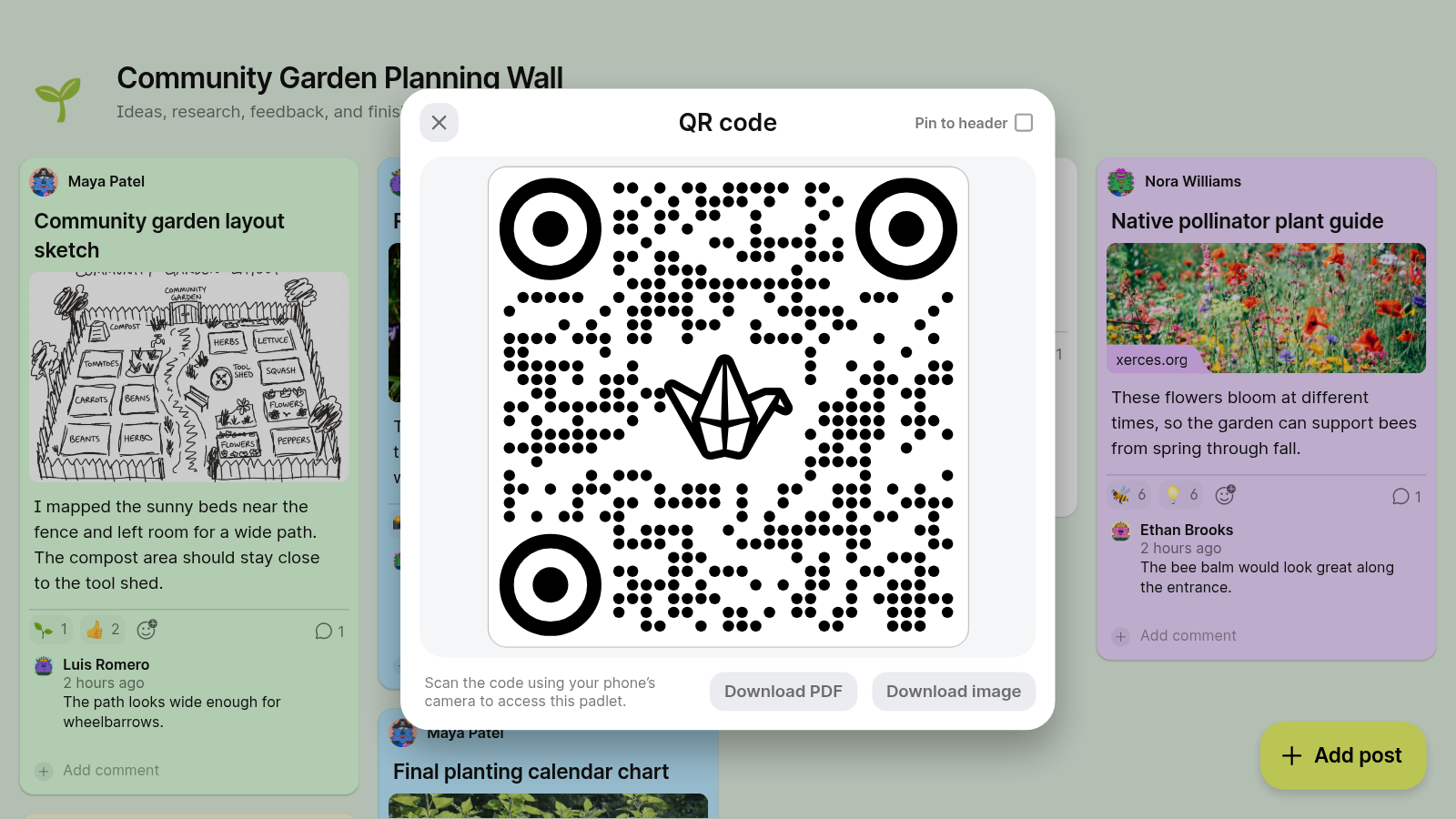
Share by link, QR code or embed
Collaborators join from a link without logging in, and you can embed the board on your website or LMS.
10/10
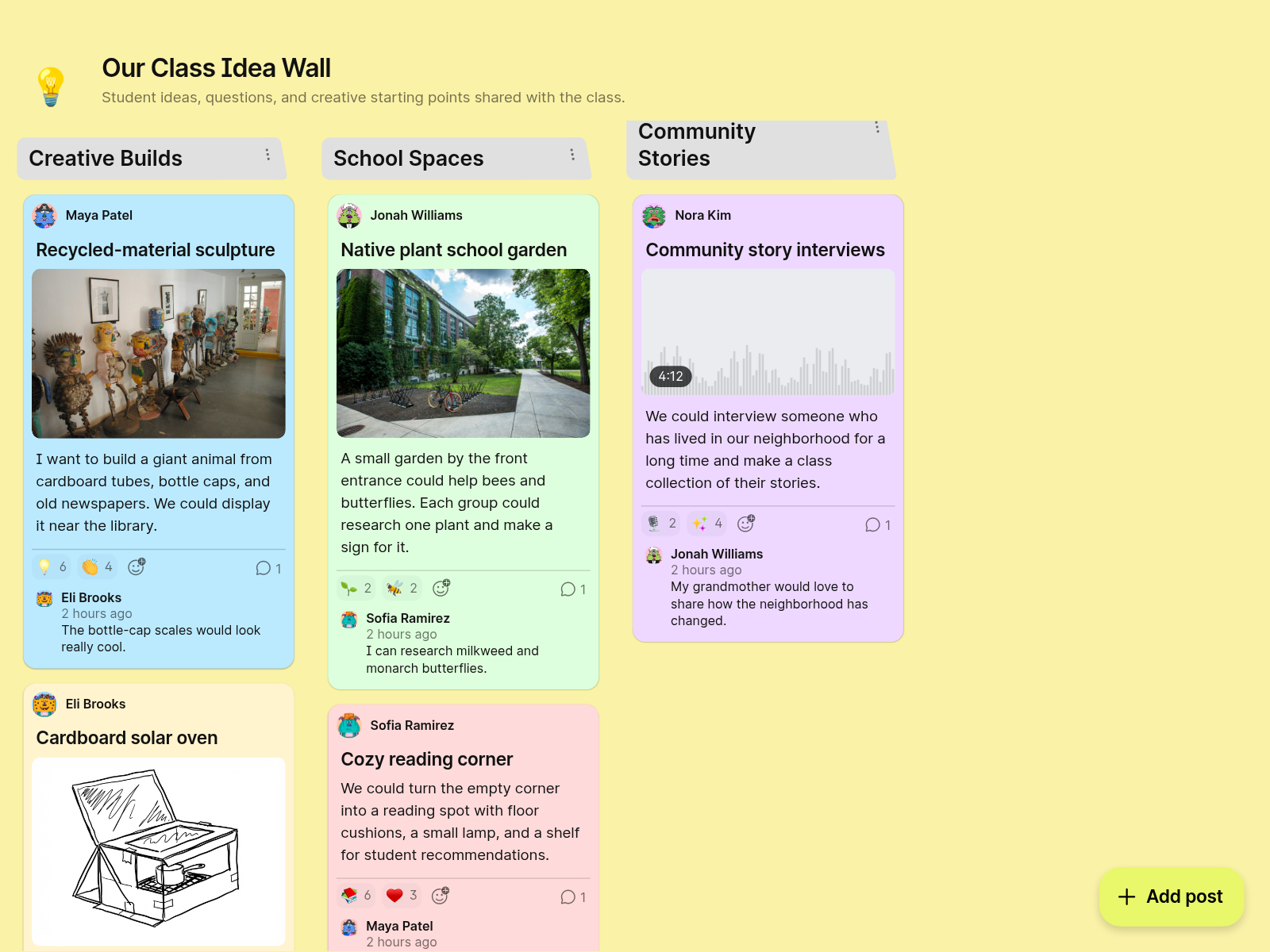
One collaboration platform instead of several
Chances are your group works together in more than one way, and Padlet handles many of them so you stop juggling tools.
Make your first board.
It’s free to sign up and takes just 10 seconds.